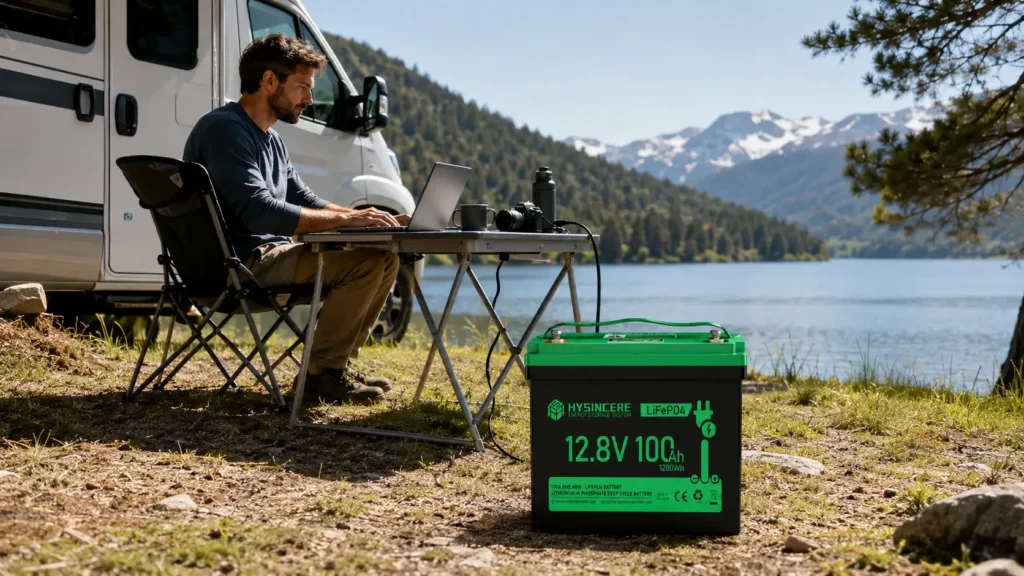
A campsite can be a workable place for remote work if it has a tested connection, enough power and a safe place to use your equipment. Check those conditions before committing to a working trip.
Start with one ordinary working day: the calls you must join, the files you must send and the devices you need to keep running.
Then fit the campsite and travel schedule around those needs. Driving, hiking and setting up camp need their own time.
The seven checks below help you test the plan before a missed connection or an empty battery interrupts your work.
1. Choose the Right Campsite
Choose the actual working location, not just the general destination. A signal at the entrance does not prove that the pitch or cabin has the same connection.
Check access, permitted stays, quiet hours, weather exposure and whether the site allows the equipment you intend to use.
A mobile hotspot needs coverage from its network. It cannot create a cellular signal where none exists. Check the operator’s coverage and test calls and uploads at the site.
If essential work depends on connectivity, keep an accessible alternative workplace in the plan.
2. Make Sure You Have a Reliable Power Source
List the laptop, phone, hotspot and other loads, with average power and operating hours. Add their Wh requirements, charging losses and a reserve. Check both energy capacity and the output power limit.
A portable power station can supply compatible devices within its ratings. What is often called a solar generator is a battery-based power station used with a compatible solar charging source, not a source of unlimited energy.
Check the permitted charging inputs and cables. Do not assume every power station supports the same mains, vehicle or solar connection.
Budget cooking appliances and refrigeration separately from office devices. High-power loads can exceed an outlet’s limit or use the energy reserved for the next working day.
3. Set up a Decent Wi-Fi Hotspot
Test the connection with a real video call and file upload before relying on it.
Check data allowances, tethering restrictions and busy-hour performance. Download permitted offline files before leaving a dependable connection.
Use a protected hotspot and follow your employer’s access requirements. Keep devices updated and use approved secure access for work systems rather than assuming any public Wi-Fi is suitable.
4. Arrange Your Work Space
Set up a stable desk and chair, with space for cables and ventilation. Keep the working area clear of paths and vehicle movement.
Keep drinking water accessible and take regular breaks. Place liquids where a spill will not reach the laptop, charger or power station.
Follow the campsite’s food and wildlife-storage rules. Where bear-resistant storage is required, use the approved container or locker; an ordinary airtight box is not a substitute.
Check the device and battery temperature limits, rain protection and ventilation instructions. A canopy provides shade but does not turn indoor electronics into weatherproof equipment.
5. Set Boundaries
Agree on working hours and availability with your team before departure. Reserve time for travel and charging rather than promising uninterrupted access.
Define what happens if weather or connectivity prevents work: move to the backup location, change an agreed meeting time or use the planned offline tasks.
6. Get Sun Protectant for Your Laptop
Keep electronics out of direct sunlight and allow their cooling vents to remain clear. Stop using equipment that exceeds its permitted temperature or shows a fault.
Use stable shade and protect equipment from rain as instructed by its manufacturer. Do not cover a running charger or power station with fabric that blocks cooling.
7. Don’t Forget to Enjoy the Beautiful Outdoors
Leave part of the day free for the trip itself.
Choose a finishing time that works with the day’s travel and charging plan.
Use breaks to step away from the desk and check the campsite conditions.
If the itinerary leaves no room for rest or essential work, shorten the travel plan rather than trying to do both continuously.
Stay Prepared
Before departure, test one complete working day using the proposed equipment and power source. Record energy use and charging time.
Check that the stored energy covers essential work even when solar input is lower than planned.
For later backup use, repeat the load and connection checks. Never feed a portable power source into household wiring through an improvised connection.
Battery Packs for Portable Power Equipment
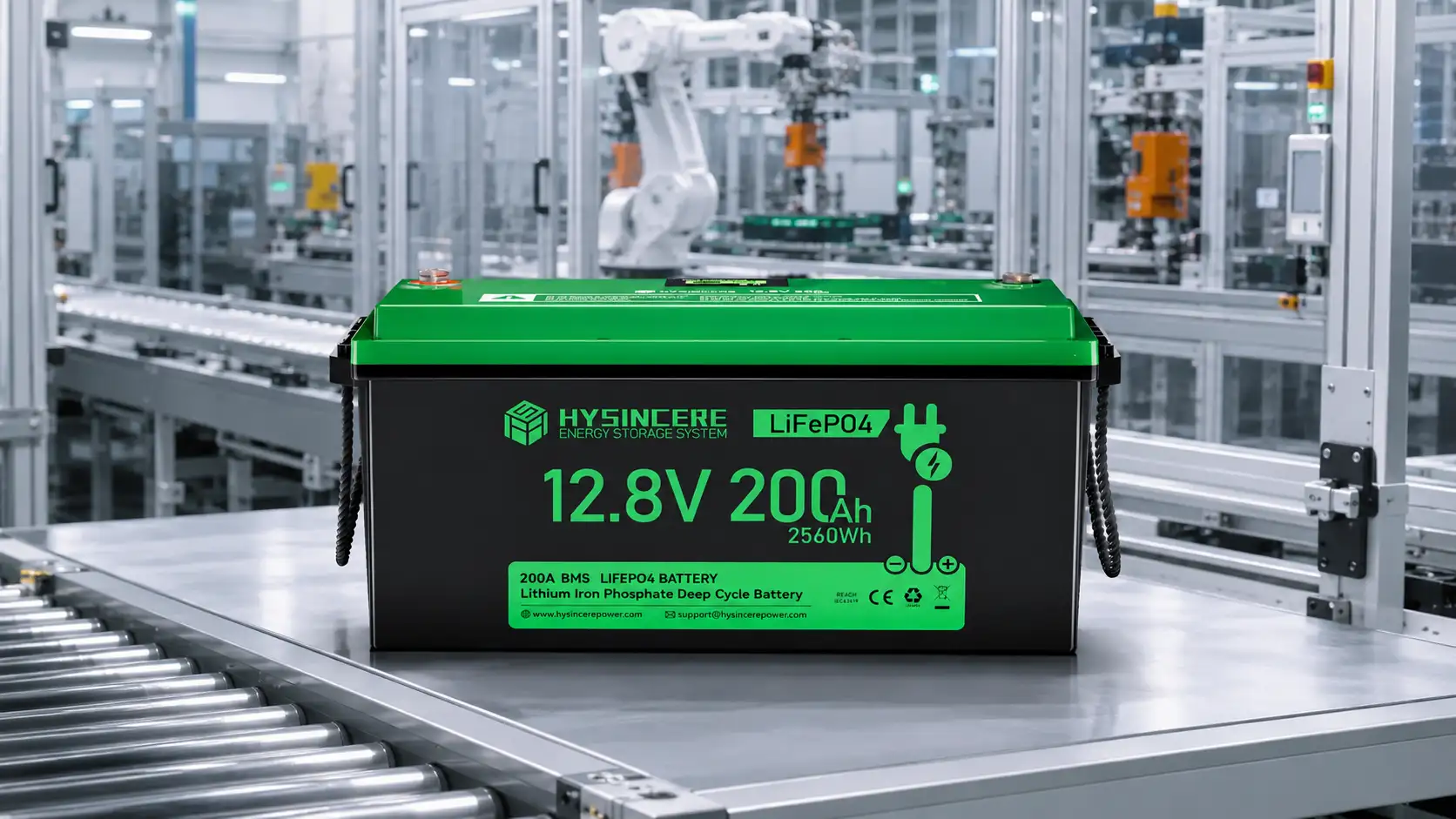
For brands developing portable power equipment, the battery pack is one part of the system alongside charging, output electronics, protection and enclosure design. Hysincere designs and assembles packs using selected purchased cells; we do not manufacture cells. Provide load, runtime, charging and environmental requirements so the complete pack can be assessed for the intended product.
Plan Reliable Power for Off-Grid Equipment
If you are developing portable power, RV, camping, or outdoor equipment, provide load, runtime, dimensions, temperature, and certification requirements for a battery-solution review.
How to Work Remotely While Camping: 7 Simple Steps FAQ
What should be verified before working remotely from a campsite?
Verify current mobile coverage, backup connectivity, weather, campsite rules, equipment power demand and safe charging options for the exact location. Coverage maps and service availability can change, so test critical connections before relying on them for work.
How should backup power be sized for remote work?
List each device’s power draw, daily operating time and charging losses, then add reserve capacity for poor weather or unexpected delays. Use the power-station and battery manufacturer’s limits rather than estimating from battery capacity alone.
Can mobile hotspot coverage be assumed in remote areas?
No. Terrain, network congestion, carrier bands and local infrastructure can all affect service. Check current carrier information and test the actual campsite whenever reliable meetings or file access are essential.
This article is for general information. Campsite conditions, network coverage, weather, equipment power, local rules, and safety requirements vary by location. Verify current conditions and equipment documentation before travel or purchasing.